Solfeggio
Ear training · music school, grades 1–7
Intervals, chords, harmonic functions, scales, note reading, singing with a tuner and rhythmic and melodic dictation with the sound of a real piano. Pick a grade and Solfeggio chooses the material: from “high or low” and simple rhythms in grade 1 to seventh chords and modes in grade 7. After you record your voice in the Voice studio, Solfeggio says note names and praises in the parent’s voice. Works with sound, best with headphones.
Where to start?
For whom: Primary music-school students (grades 1–7) and older, practising intervals, chords, scales, note reading and dictation.
- A parent can first record their voice in the Voice studio – the same recordings work in Nutka and Solfeggio. Without recordings the piano plays.
- Turn the sound on, put on headphones and pick your grade (1–7). The exercise list and difficulty change with the grade.
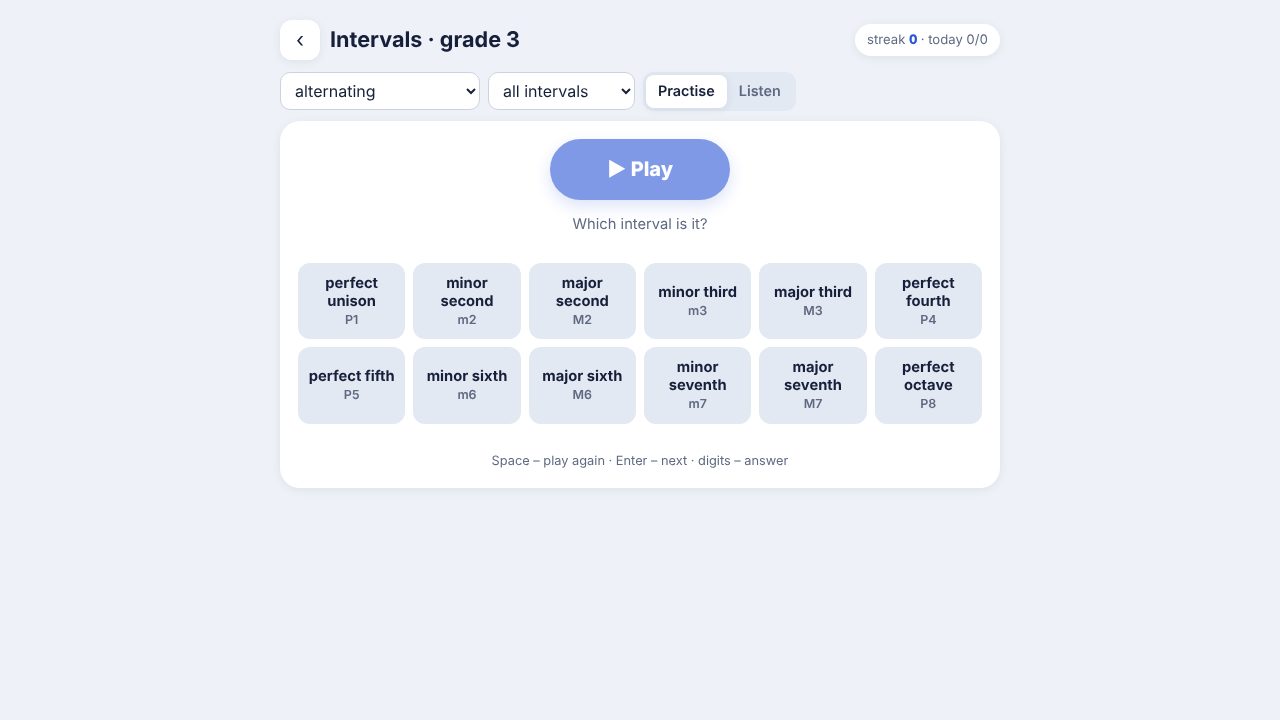
- Pick an exercise, press “Play” and choose the answer. In “Listen” mode you get to know how each interval or chord sounds. The “Sing” exercise needs a microphone.
Something not working?
Tell me what happened and in which task. The button opens an e-mail with the app name; send it after adding a description.
☕ Buy me a coffeeWas this useful? Buy me a coffee – the site is free and ad-free.